Multiplayer
Fly with friends
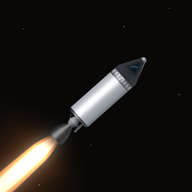
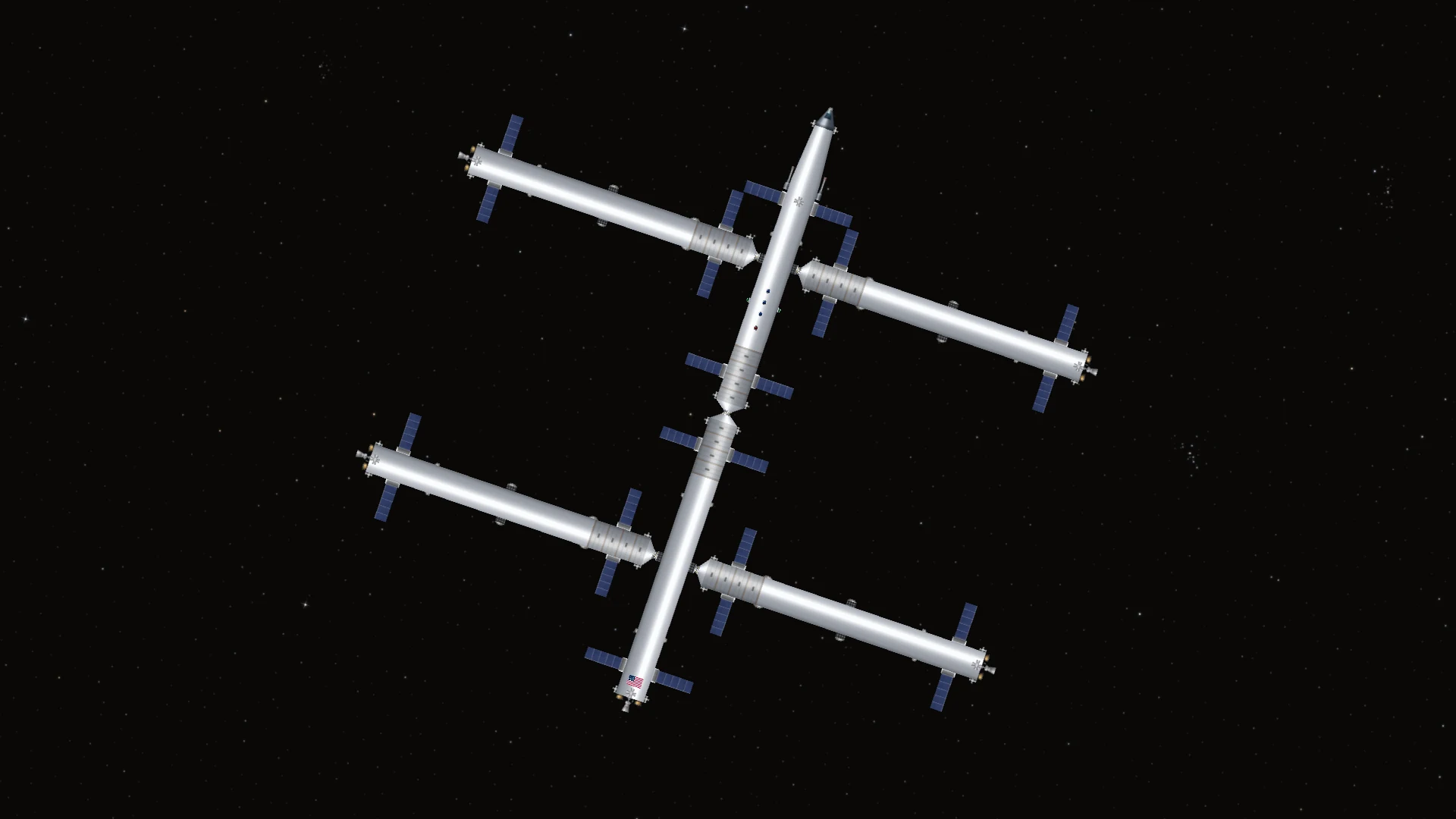
Host a Sandbox world, share the room code and bring your own craft. Build a station together, dock with another player or watch another player's launch.
A shared flight simulation
The host runs the same flight simulation used in single player. Your craft, a friend's station and the debris around them use the same physics.
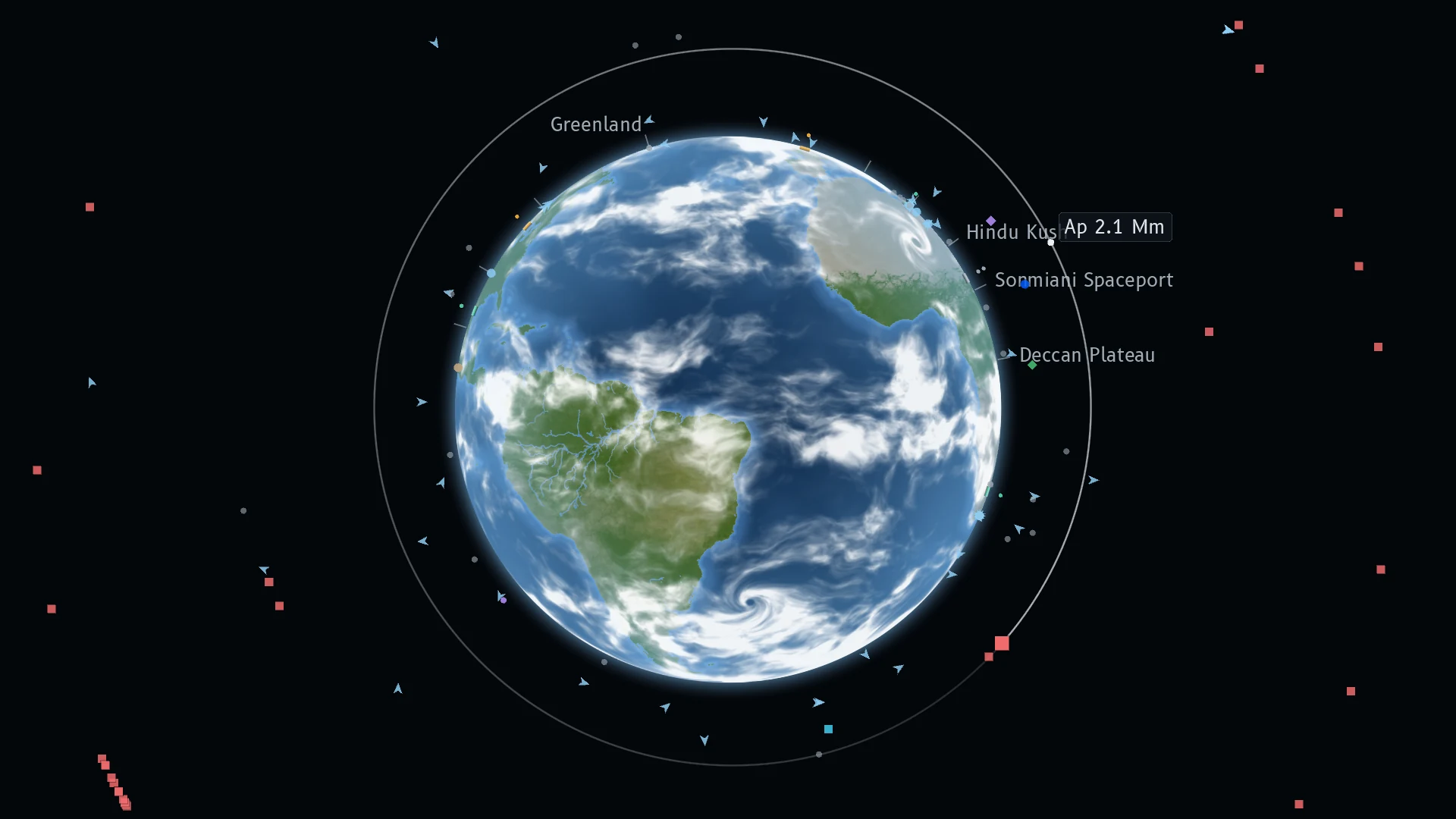
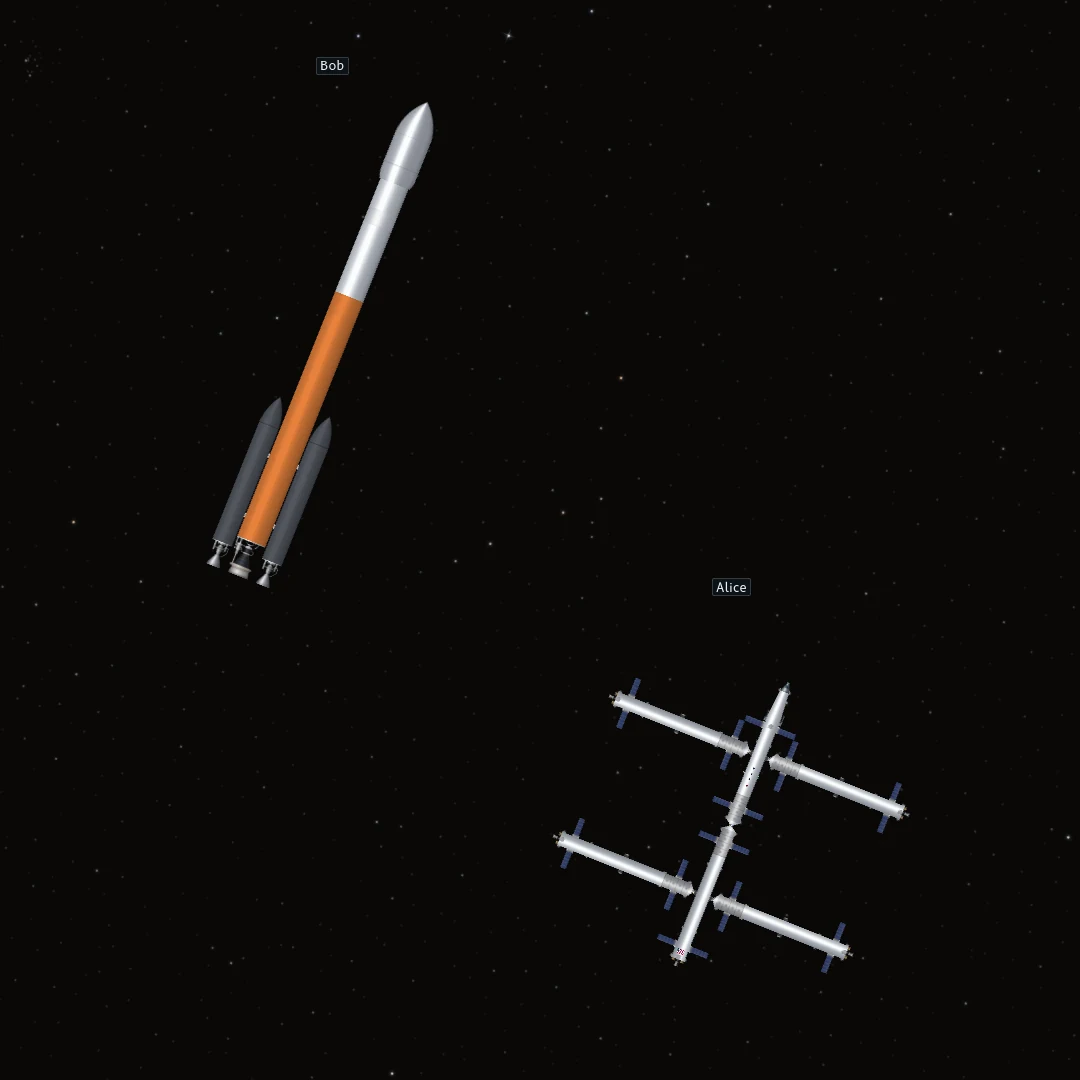
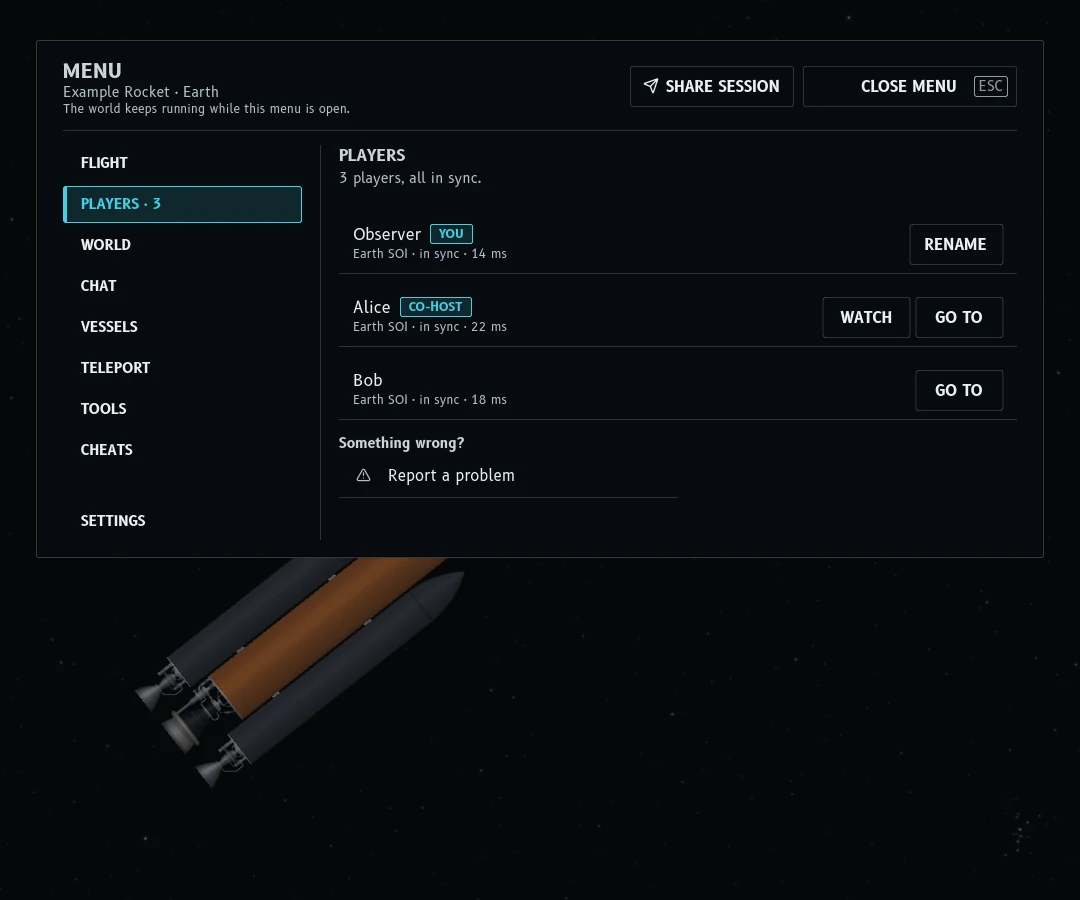
Player tags show where everyone is. In flight, you can approach other craft, dock and move between vehicles. A dedicated server keeps the world running while nobody is connected.
Independent time warp
You can speed through a coast without forcing everyone else to speed up. Players on different clocks cannot collide or dock. Use SYNC to return to shared flight before meeting another craft.
The host can use SYNC EVERYONE to bring players back together. Interstellar crossings have their own private journey clock and must be synced by the traveller.
Docking, passengers and chat
Dock at a friend's station, ride as a passenger and ask the pilot to hand over control. The Players page lets you spectate another flight. Chat works in flight and in the builder.
When the host allows teleporting, GO TO takes you to another player. Hosts can summon players and allow people to take over craft left by someone who disconnected.
Meet in another star system
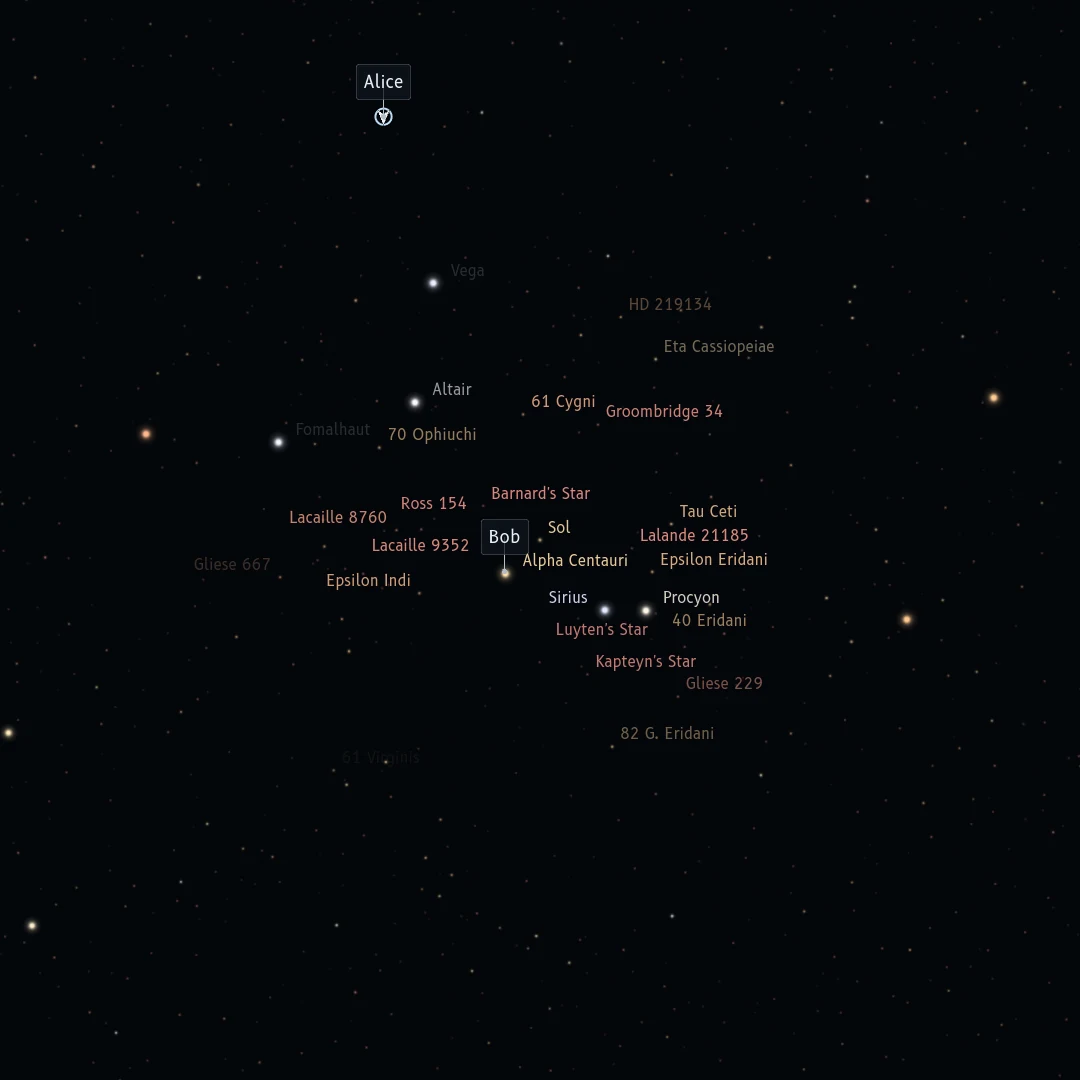
Sandbox supports multiplayer interstellar flight with the default patched-conics gravity model. Other players appear on the galaxy map, and you can spectate across star systems.
Travel between stars runs privately. Arrive and press SYNC before interacting with other players. Separate travellers cannot meet midway through a crossing.
Host from the game
Open MULTIPLAYER, choose HOST A WORLD and select a Sandbox world. Share the room code from the pause menu. Friends join through JOIN A FRIEND.
You can also choose JOIN THE OFFICIAL SERVER from the Multiplayer menu to play in the public world.
Room-code connections try a direct route and use a relay when needed, without requiring port forwarding. The CONNECTION TEST checks the network before you host; the HUD shows the connection route and ping during play.
Hosts and co-hosts control teleporting, drills, bombs, abandoned craft and cheats. They can kick or ban players, freeze craft and clear debris. The world's selected mods transfer to joining players.
Run a dedicated server
The Linux server runs without a display or graphics card. It saves the world, keeps rotating backups and can run under a service manager. The first player to join becomes its owner.
./RocketFoundry.Server --save "My World" --new --roomShare the room code it prints. Options include --allow-teleport, --allow-drills and --cheat fuel. The console accepts commands such as players, say and save. The included README covers tmux and systemd setup.
Before you host
- Everyone needs the same game version. Update the server when you update the game.
- Multiplayer uses Sandbox worlds. Career is single player.
- Join by room code or address. There is no public server browser.
Multiplayer questions
Does Rocket Foundry have multiplayer?
Yes. Host a Sandbox world and share a room code. Players can fly their own craft, dock, chat, spectate and ride as passengers. Everyone needs the same game version.
How do friends join?
Share the six-character room code from the pause menu. Friends enter it under MULTIPLAYER, JOIN A FRIEND. Joining by address and port is also supported.
Can I run a dedicated server?
Yes. The free dedicated server runs on Linux x64 and ARM64 without a display or graphics card. The download includes setup instructions and service examples.
How does time warp work in multiplayer?
Players can use time warp independently. Craft on different clocks cannot interact physically. Use SYNC to return to shared flight before meeting or docking.
Can we travel to other stars?
Yes, in Sandbox with the default patched-conics gravity model. A crossing runs privately and rejoins the shared world when you arrive and press SYNC. Separate travellers cannot meet between stars.
Try the beta
Free on Windows, macOS, Linux, Android and iOS.